MODERN VISUALS FOR MICROSOFT OFFICE
Turn your Office icons into interactive, modern visuals
For Word, PowerPoint & Excel
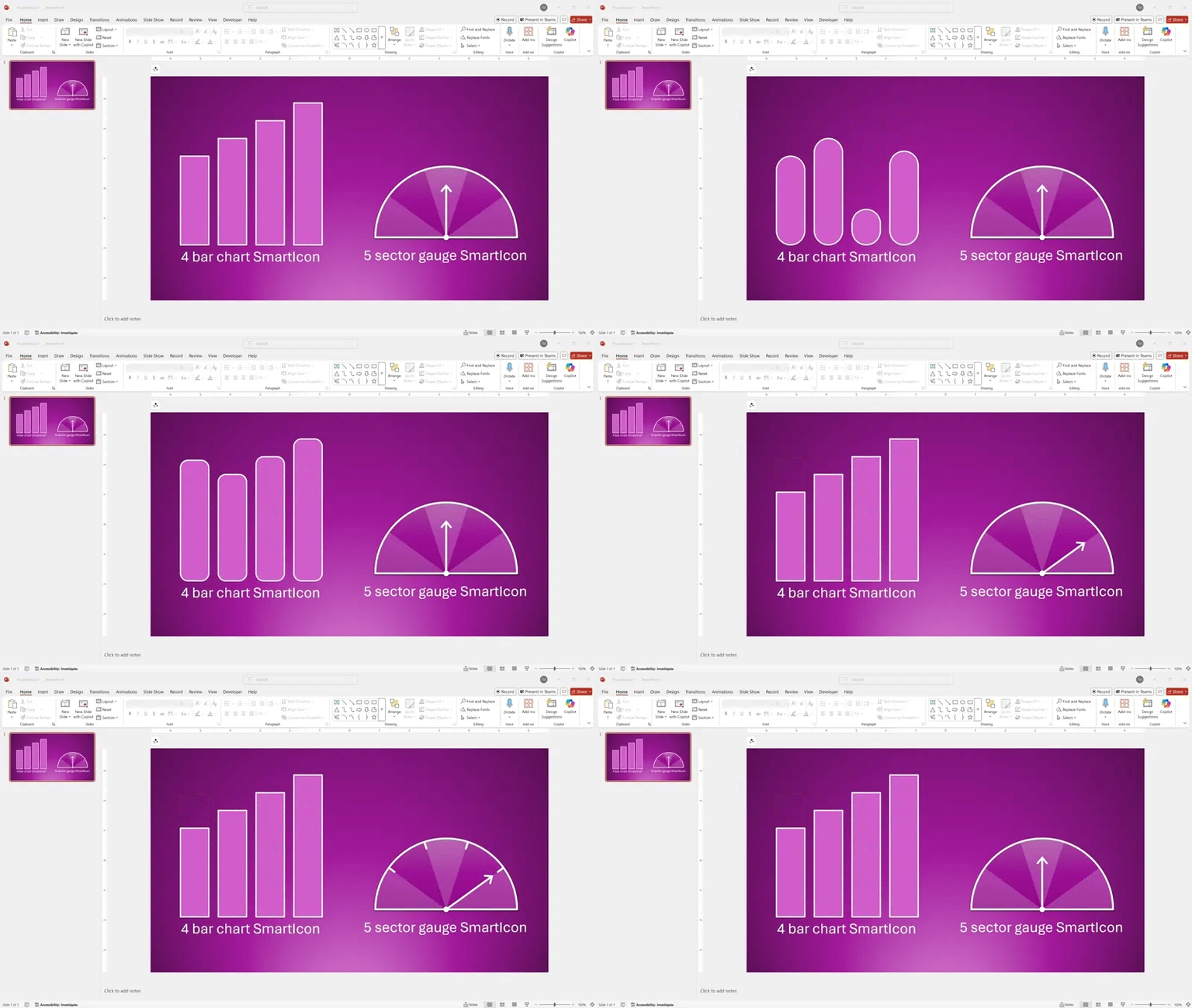
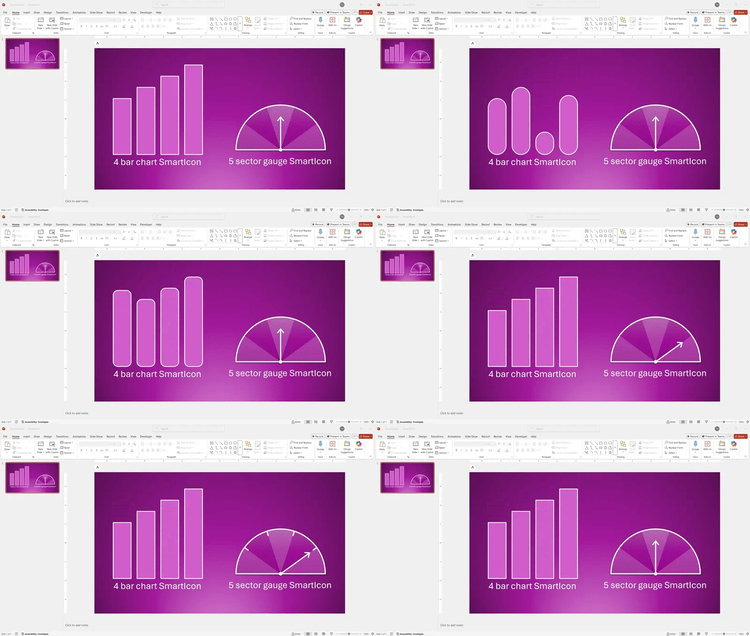
Upgrade your decks and documents with 57 fully adjustable SmartIcons for Microsoft Word, PowerPoint, and Excel. Drag to adjust bar heights, gauges, pies, and more - without embedding charts or installing anything.
With 57 icons in Super Pack 1, this works out to be less than $3 per professional, dynamic SmartIcon. Yours to keep, use and customize forever.
LESS THAN $3 PER ICON
Create visuals that stay sharp, update fast, and keep pace with your story.
Immediate download
No subscription
Works on both Mac & Windows
Instantly adjustable in Word, PowerPoint & Excel
One-time license - keep forever
What's included in Super Pack 1
Super Pack 1 is a single PowerPoint file containing all 57 SmartIcons, plus quick guides for each icon family. Copy any SmartIcon into your working file and customize it on the spot.
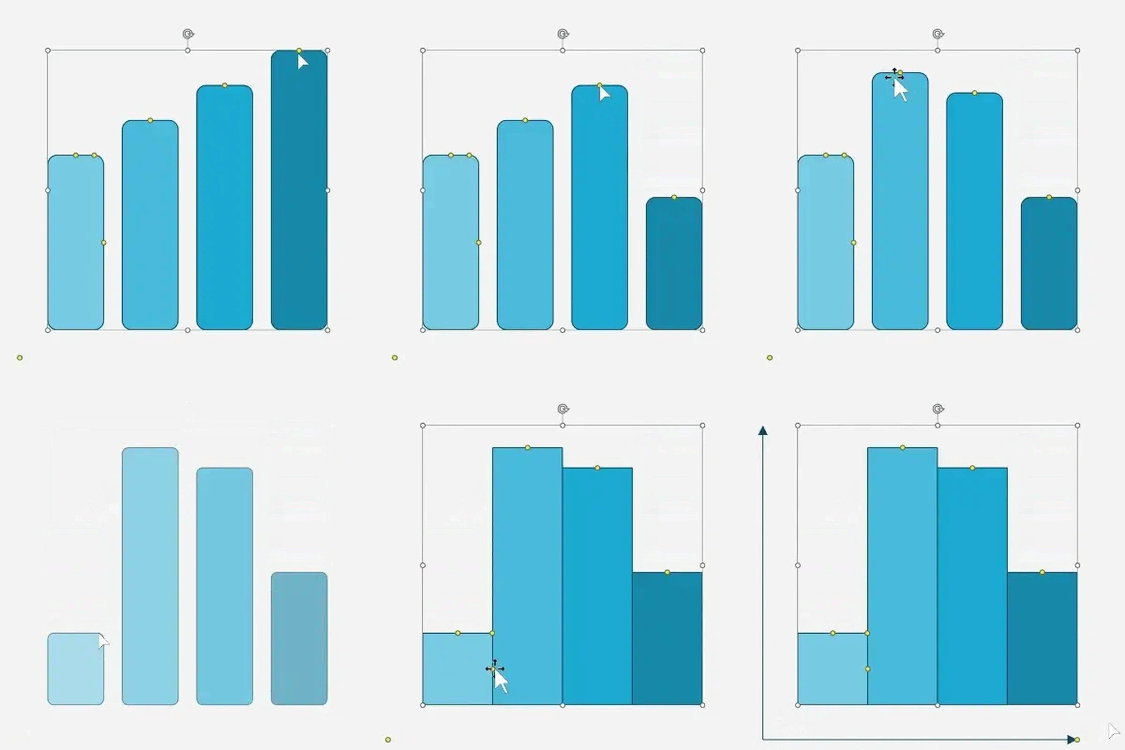
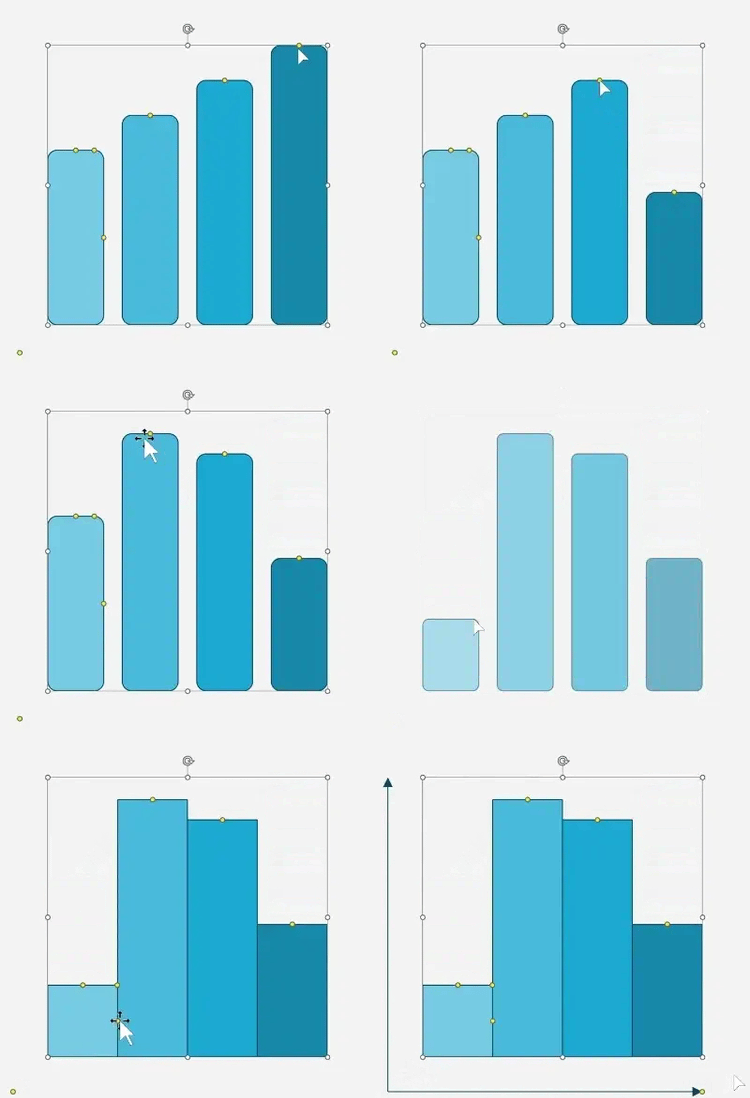
Bar charts
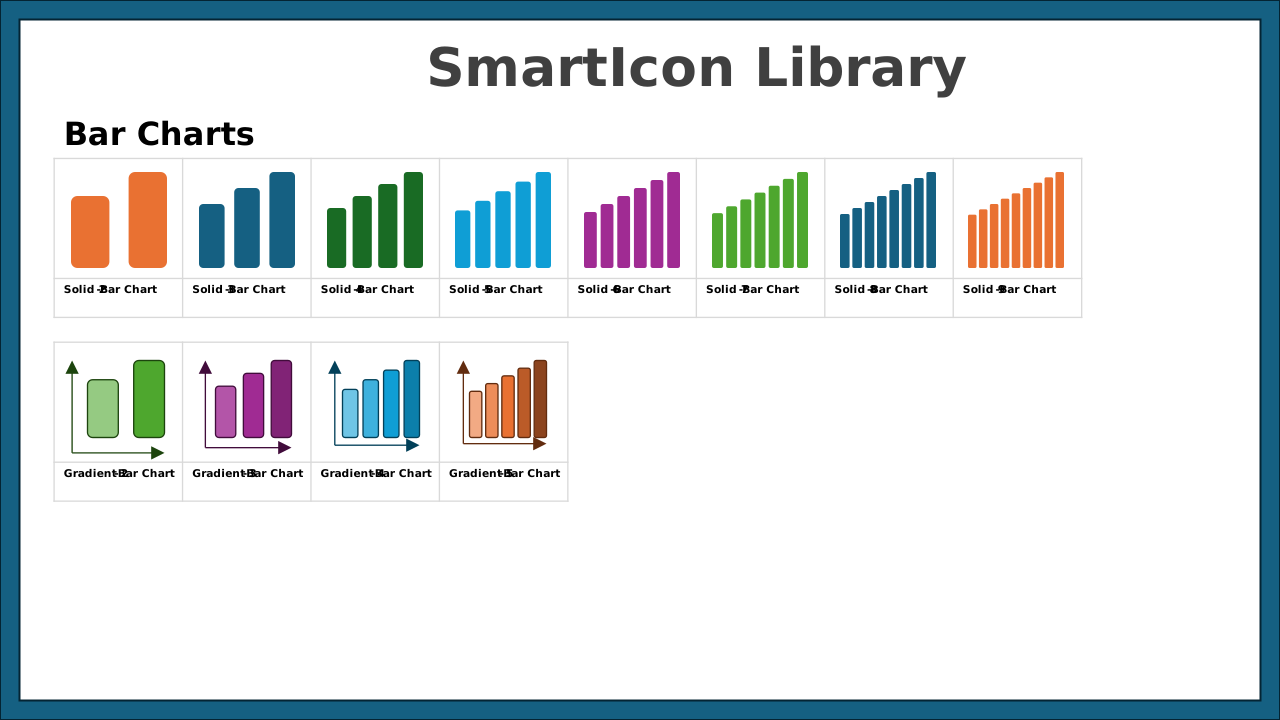
2–9 bar layouts with solid and progressive fills. Perfect for KPIs, comparisons, and trends.
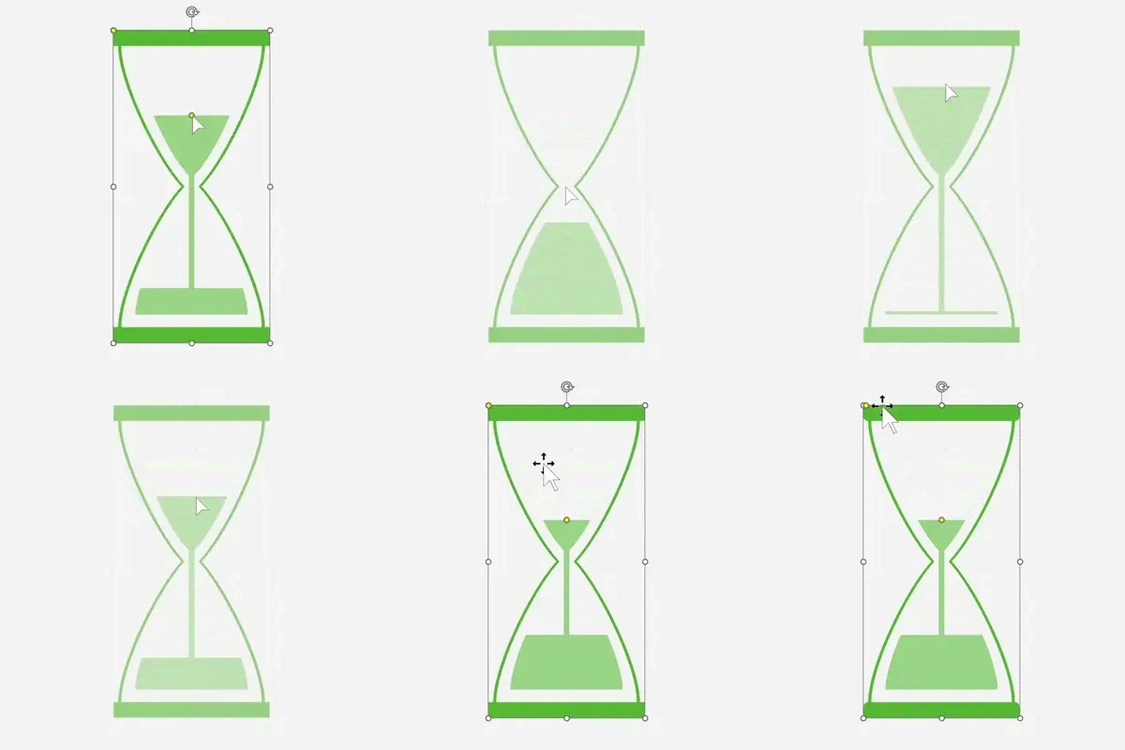
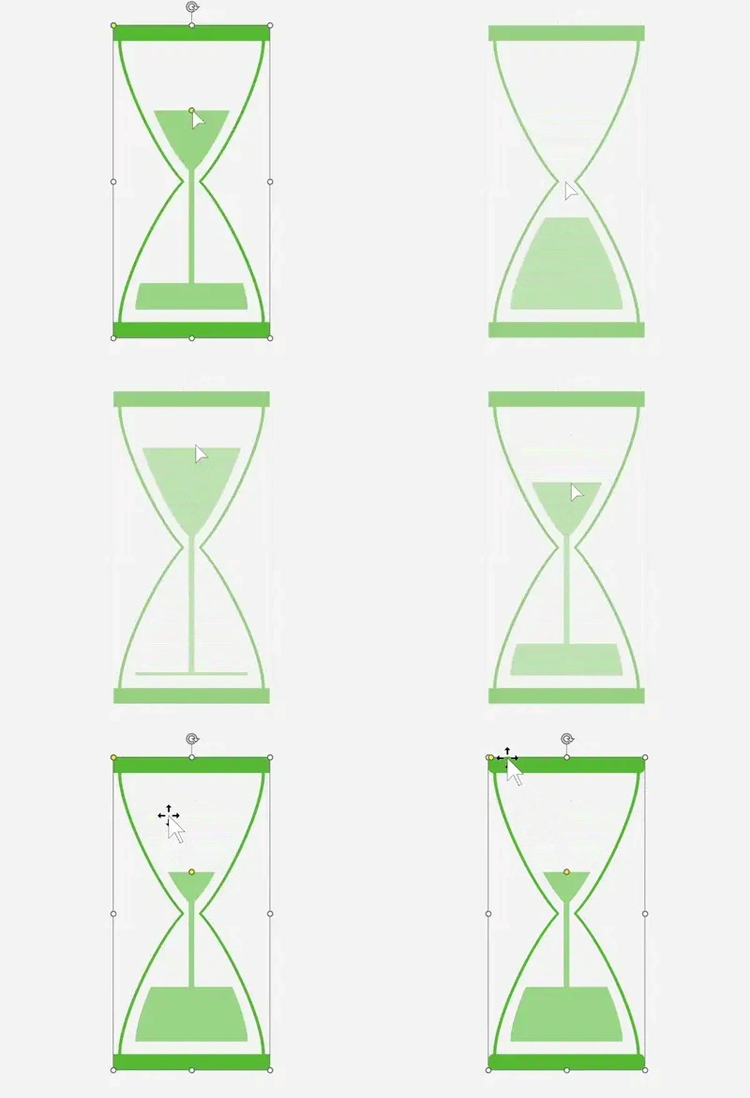
Hourglasses
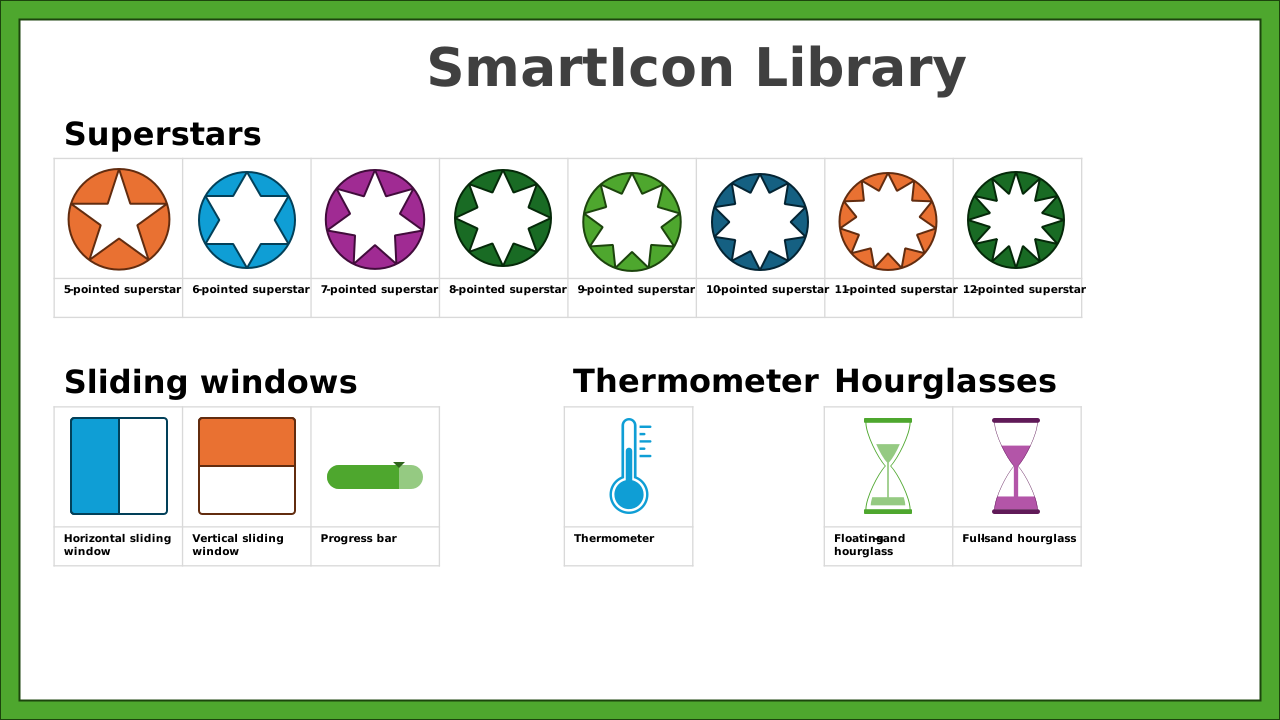
Floating or full-sand hourglasses for deadlines, countdowns, urgency cues, and time-sensitive milestones.
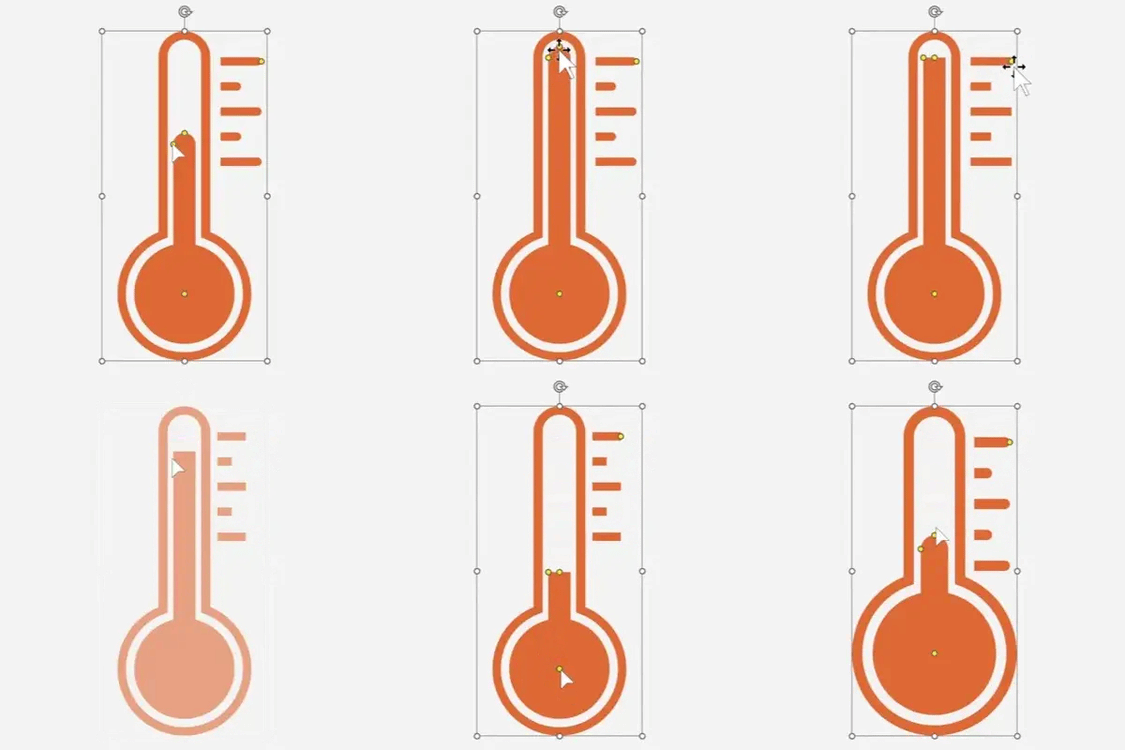
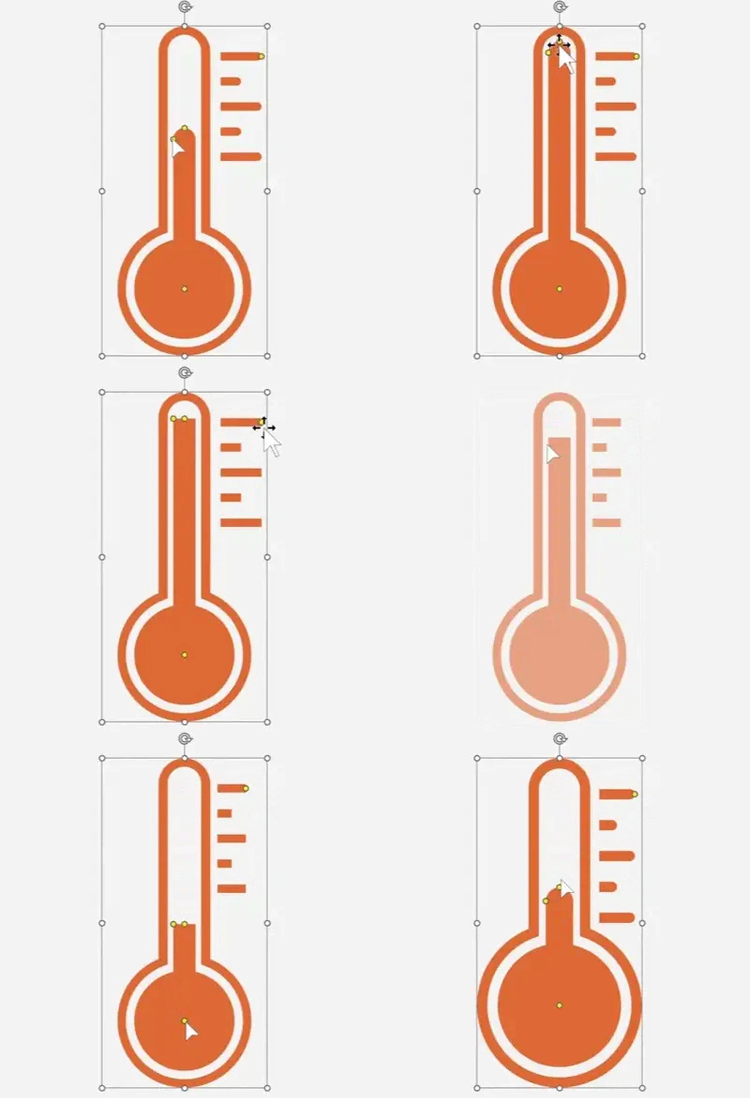
Thermometer
Adjustable level thermometer for goals, fundraising, temperature themes, and visual progress indicators.
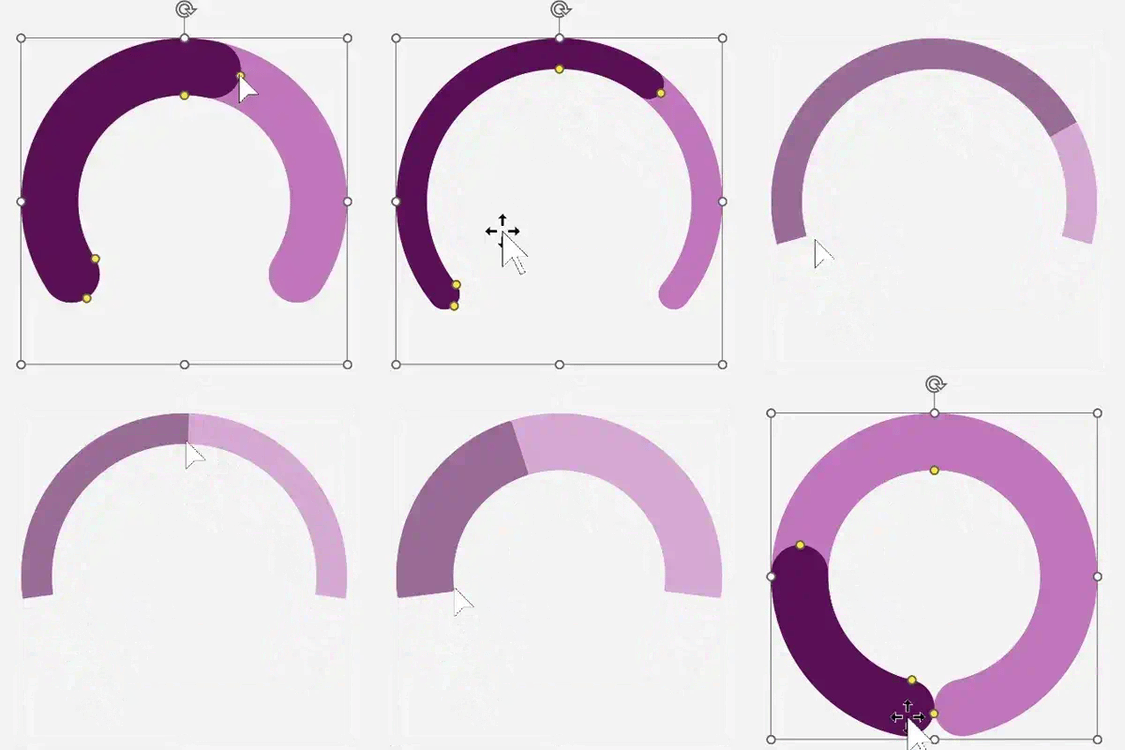
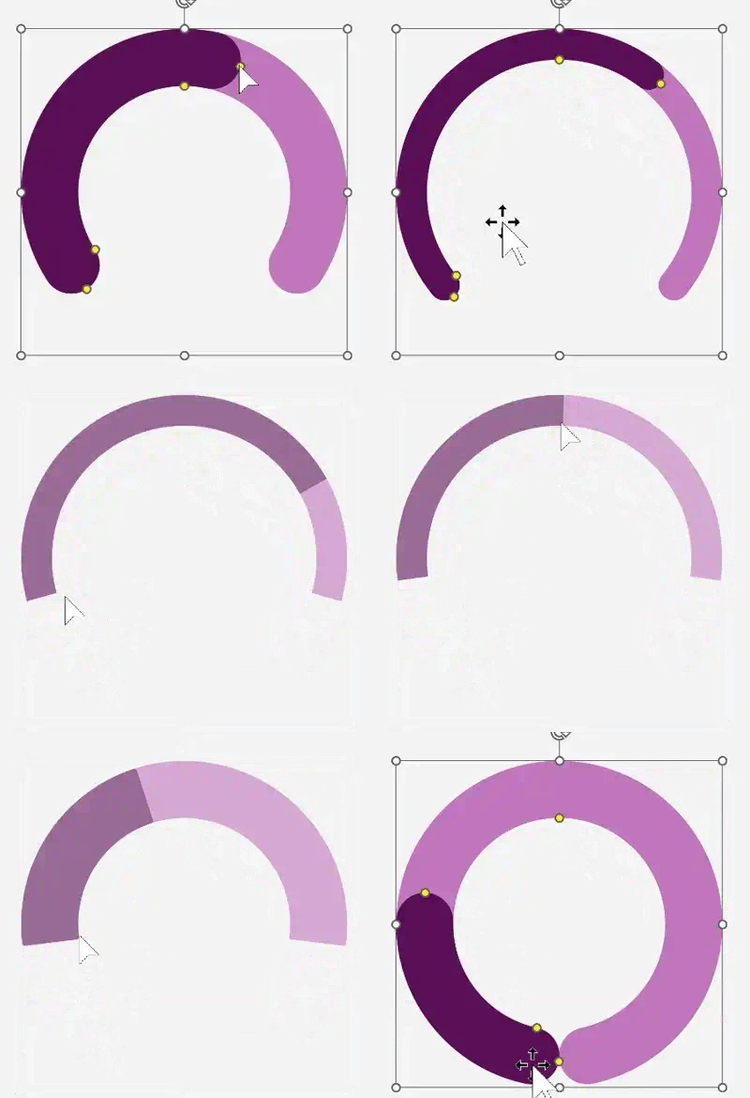
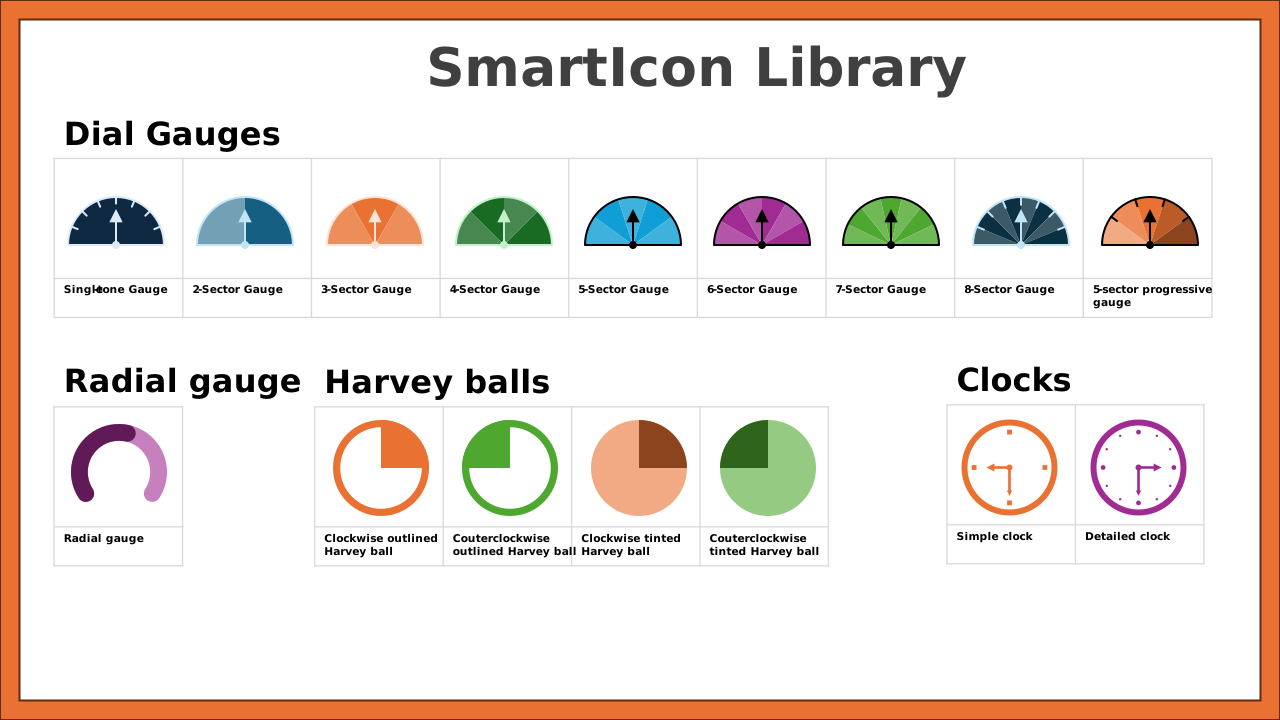
Radial gauge
A clean, adjustable arc gauge for completion rates, KPIs, and dashboard-style progress tracking.
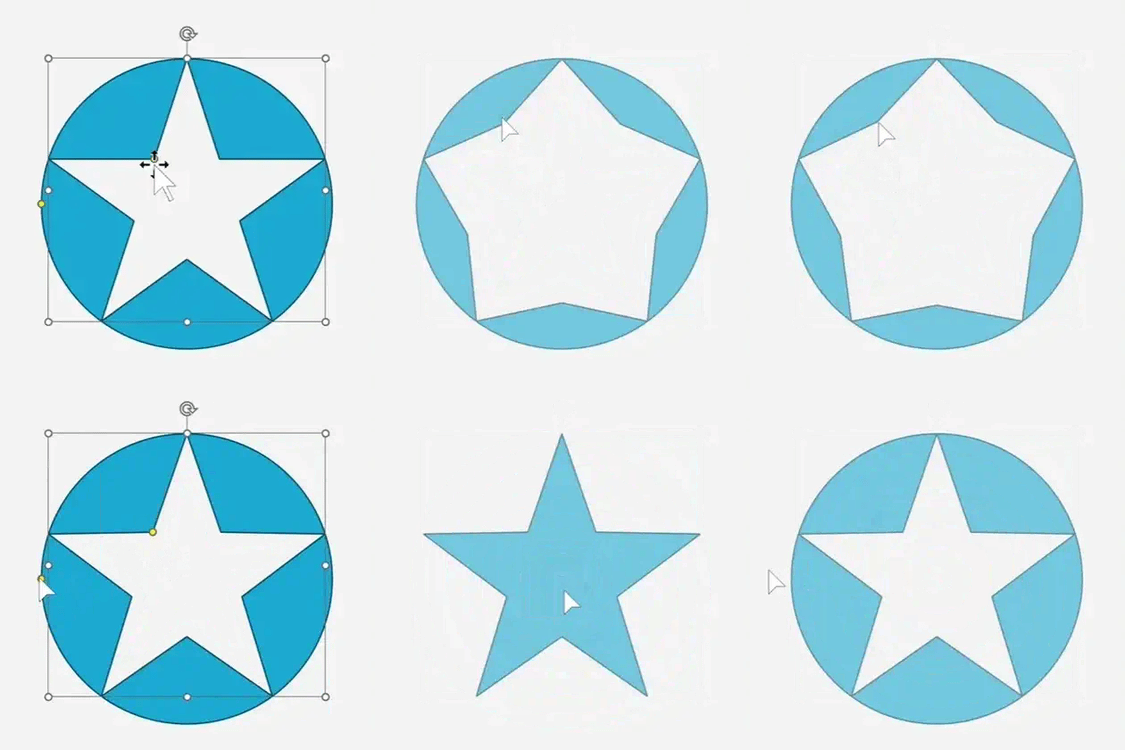
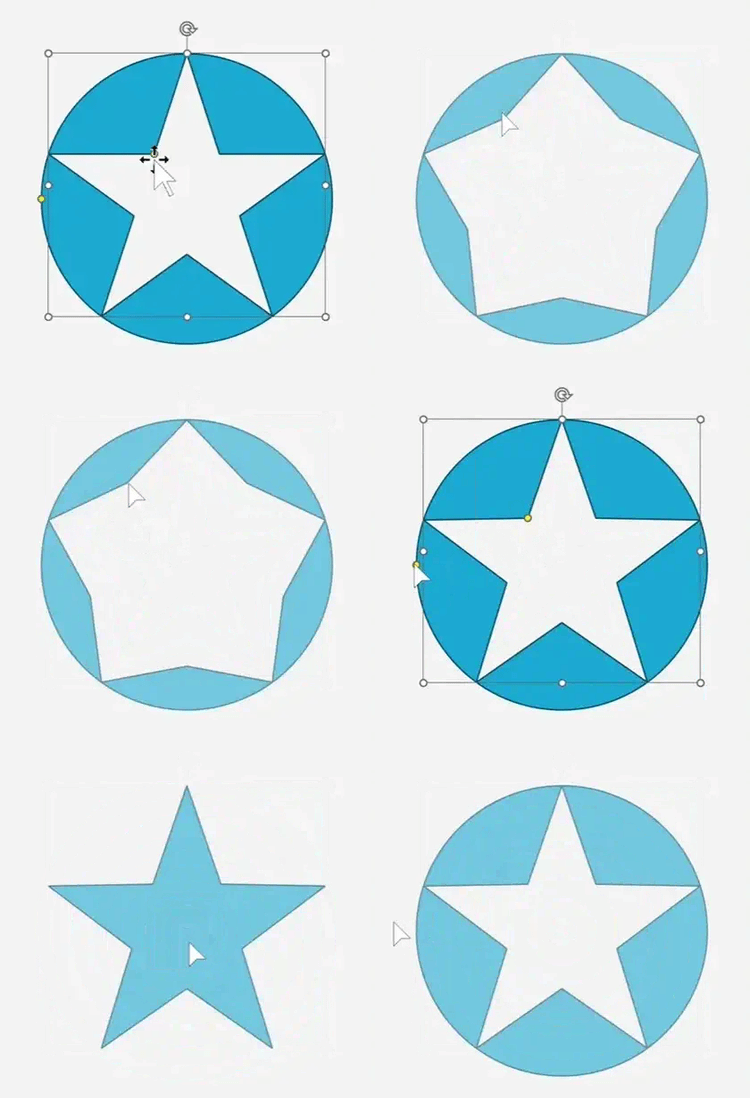
Superstars
5–12 point stars with adjustable geometry — great for ratings, achievements, highlights, and visual emphasis.
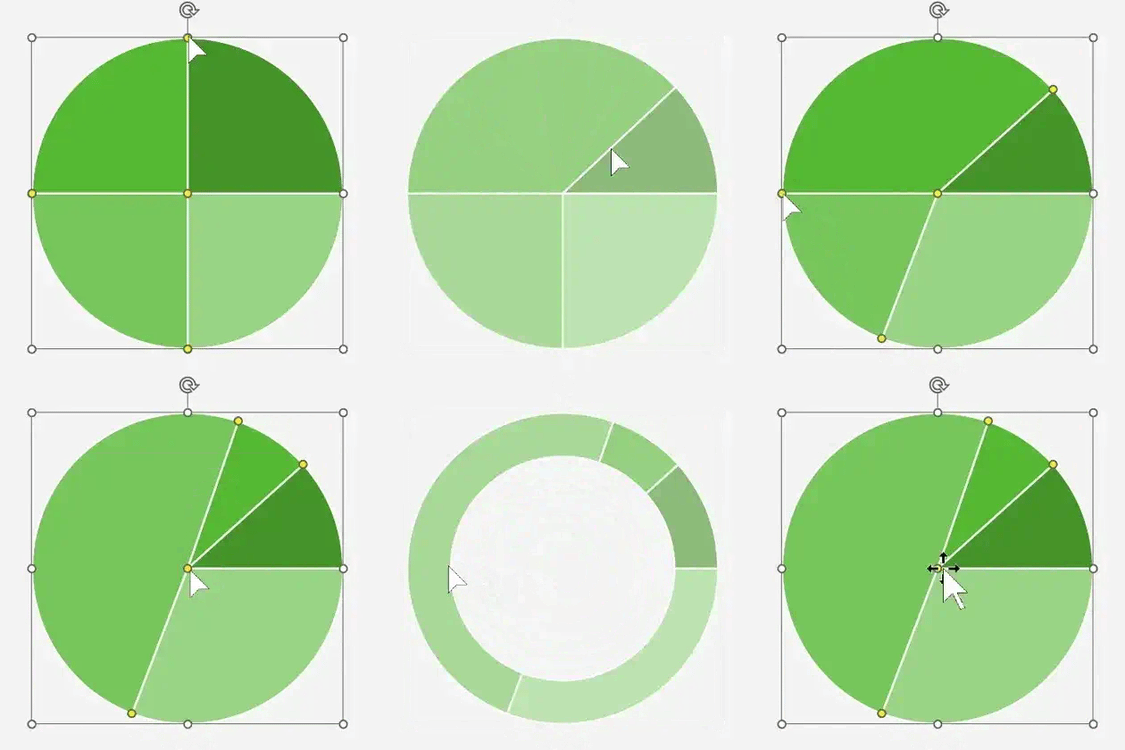
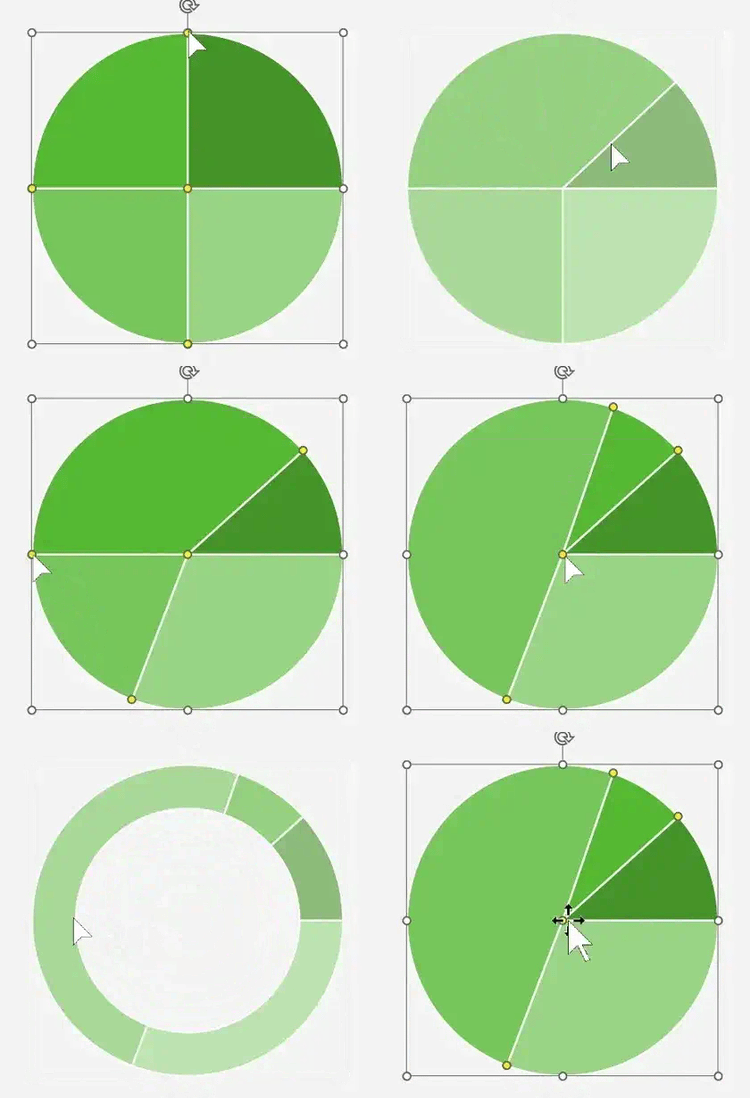
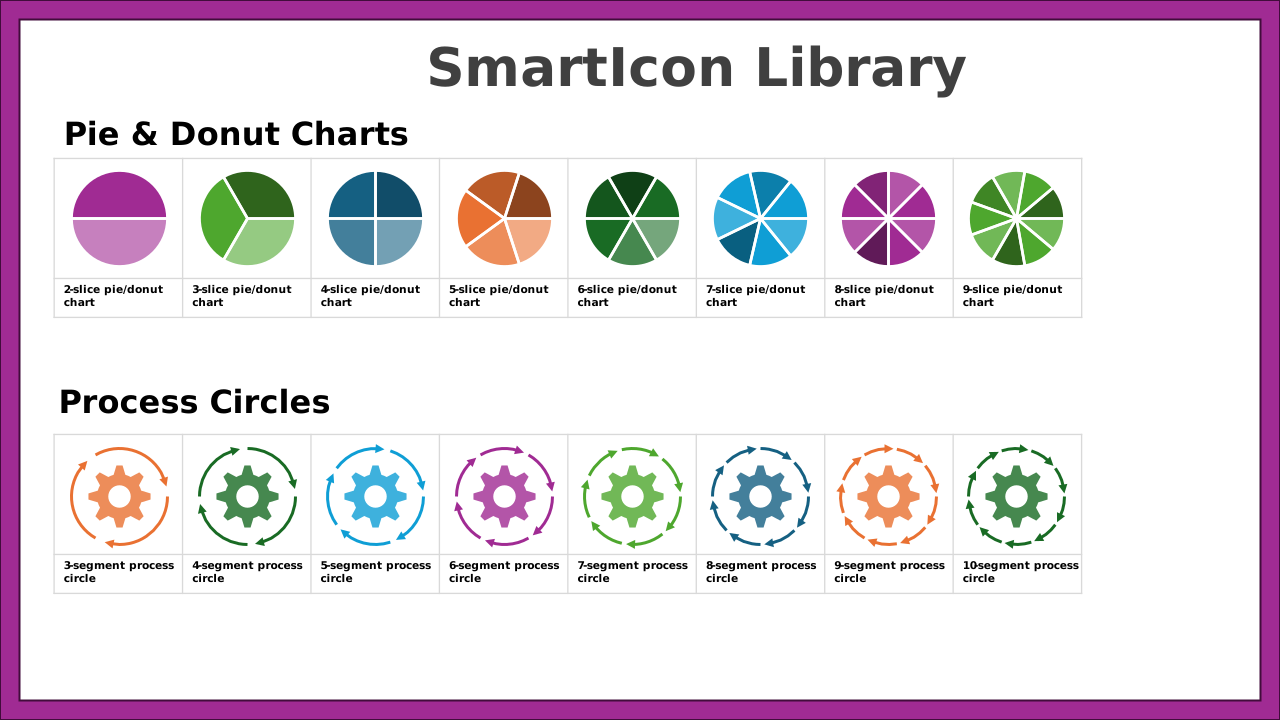
Pie & donut charts
2–9 slice pies or donuts for mix, share, portfolio breakdowns, allocations, and survey results.
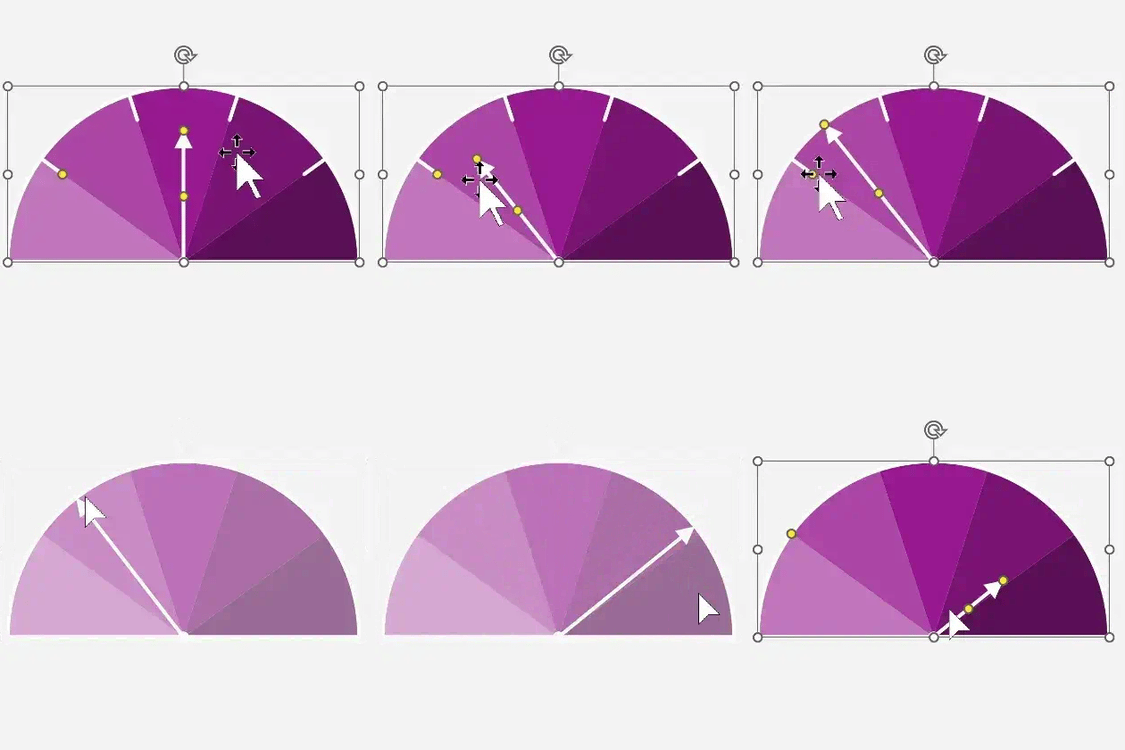
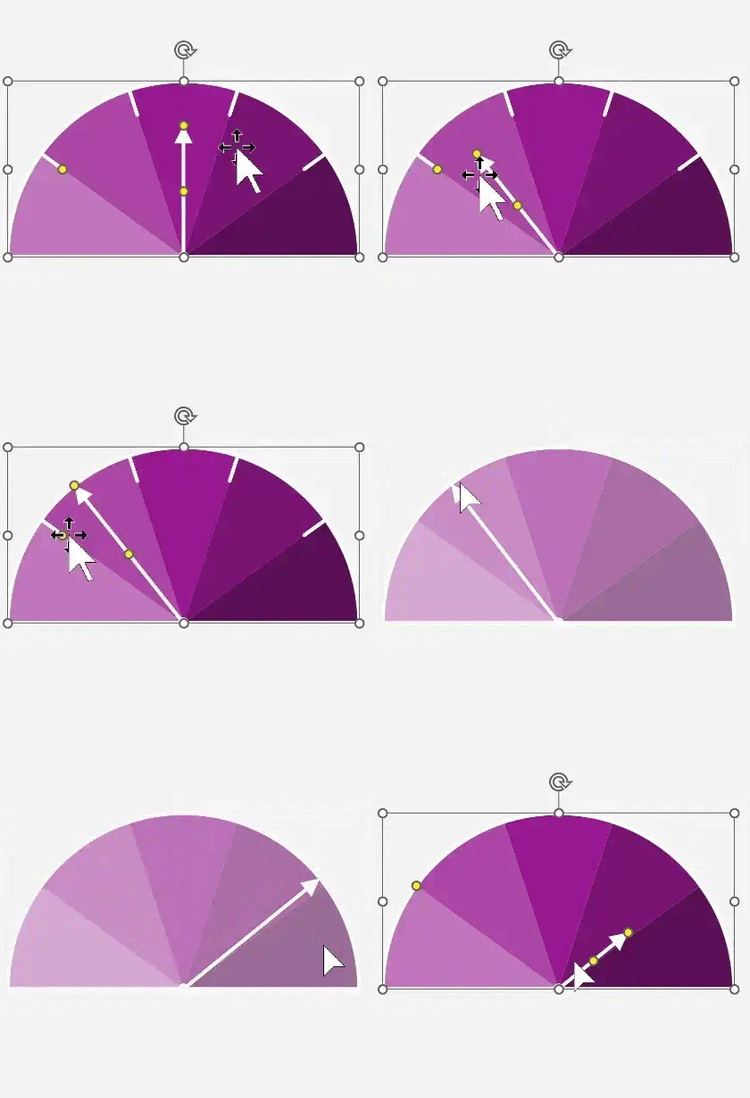
Dial gauges
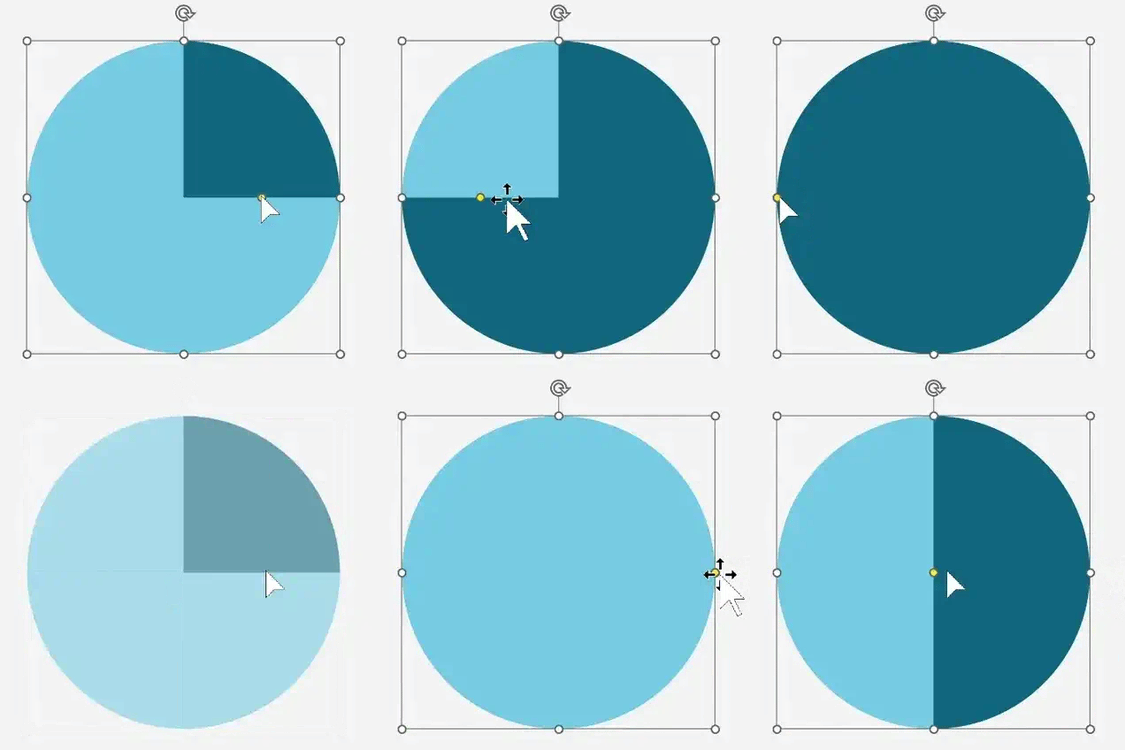
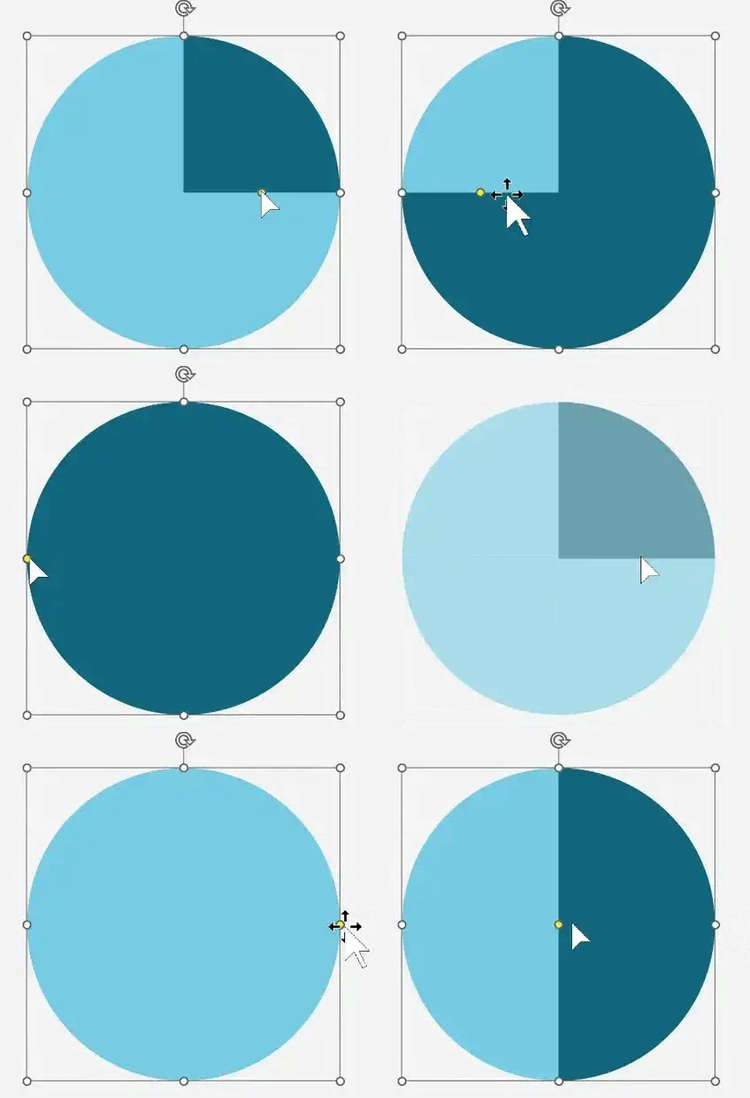
1–8 sector dials for ratings, risk levels, performance zones, and scorecard storytelling.
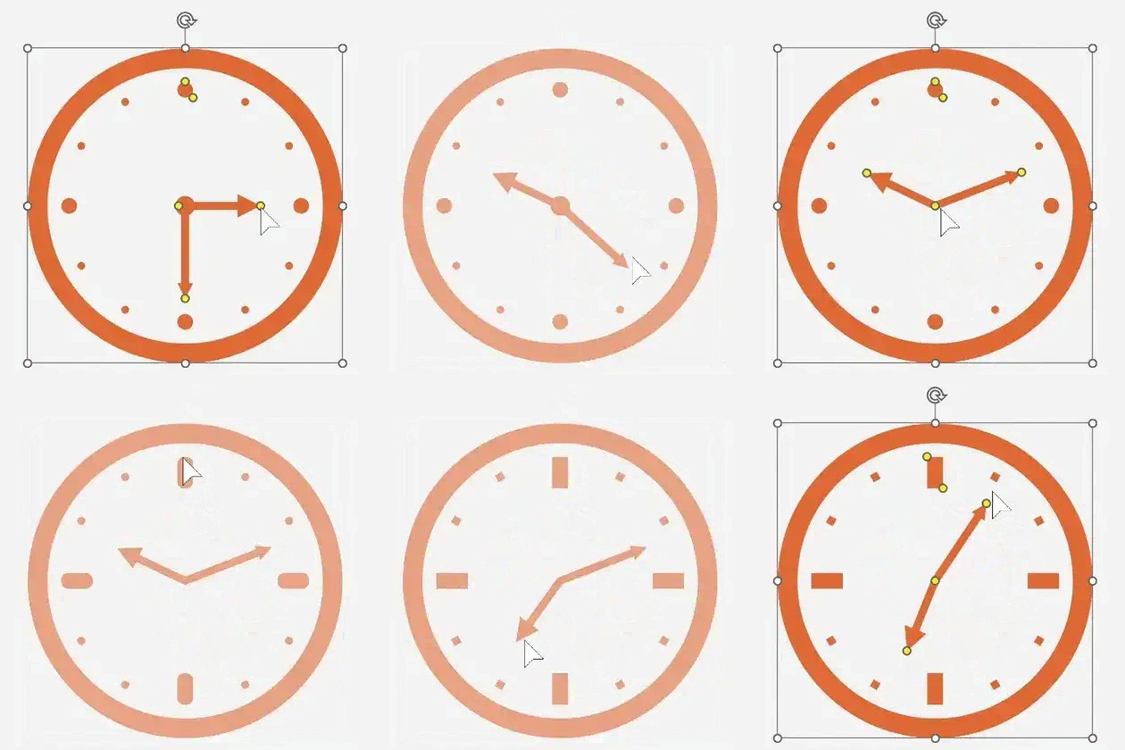
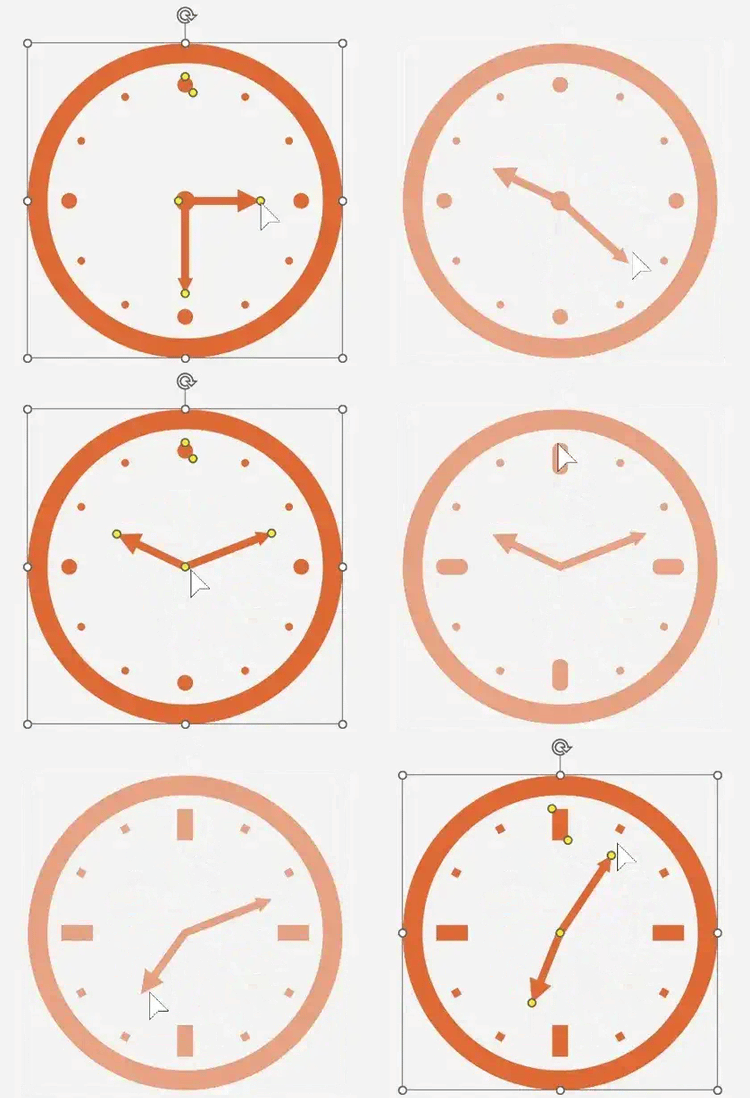
Clock
A highly customizable clock icon with adjustable hour and minute hands — perfect for timelines, SLAs, scheduling, and time-based visuals.
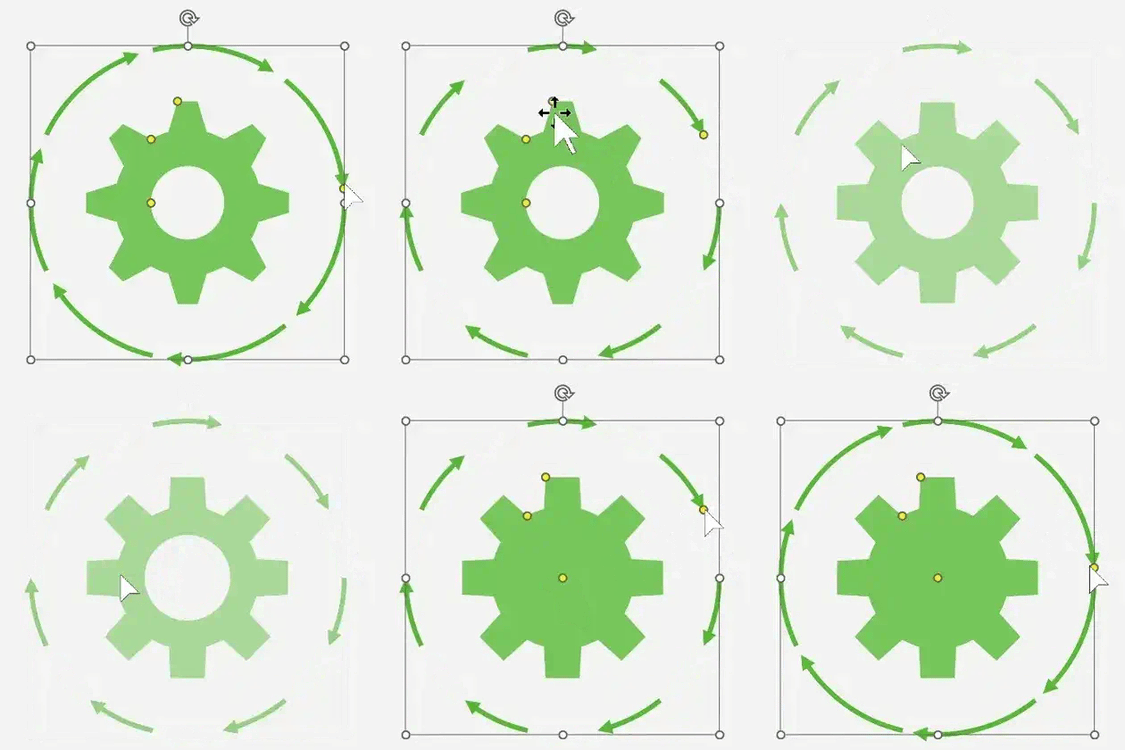
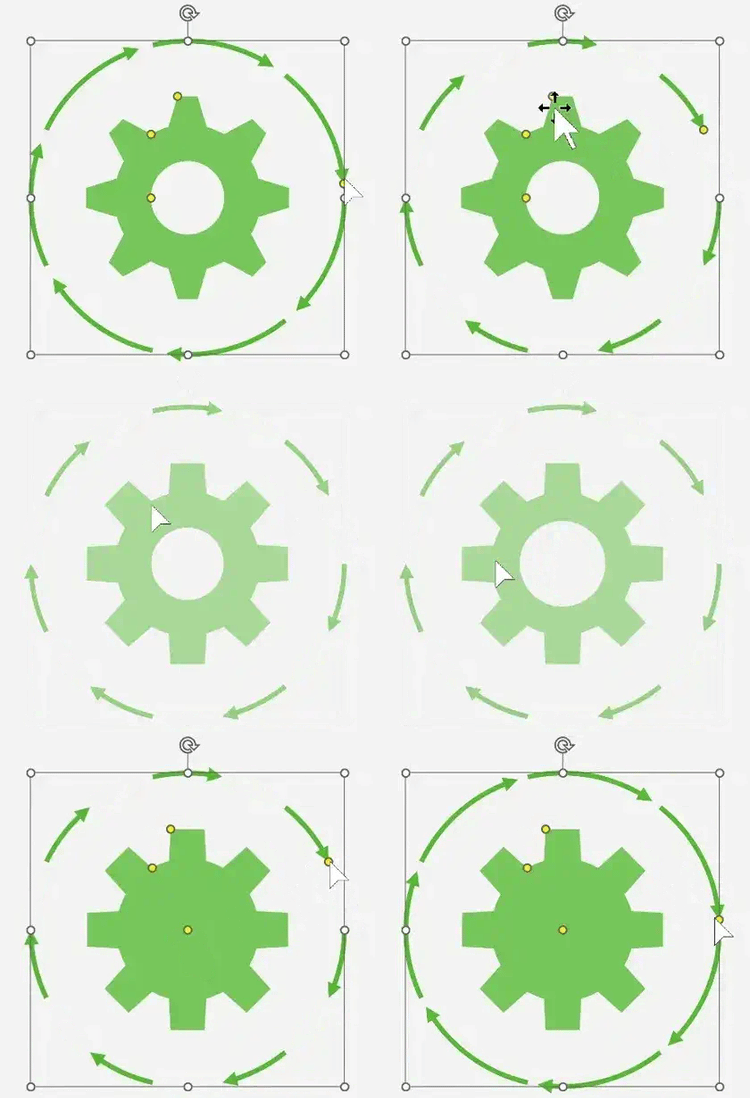
Process circles
3–10 step circular flows for phases, cycles, journeys, and repeatable processes. Middle gear included.
Progress bar
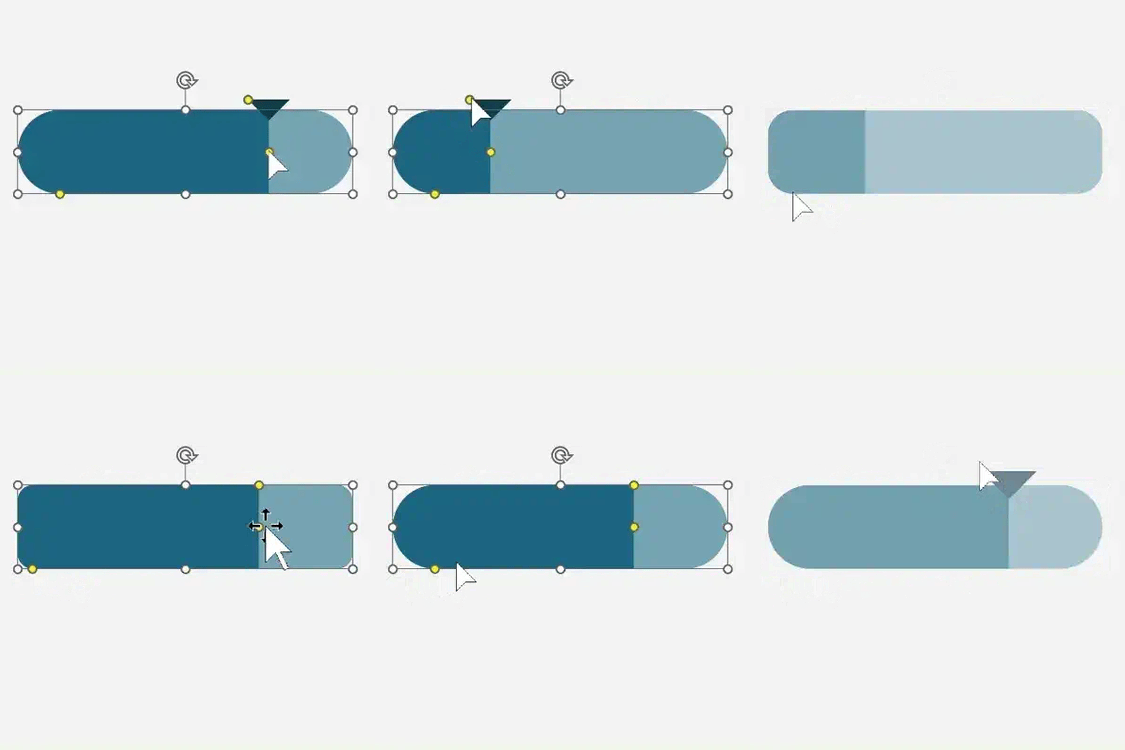
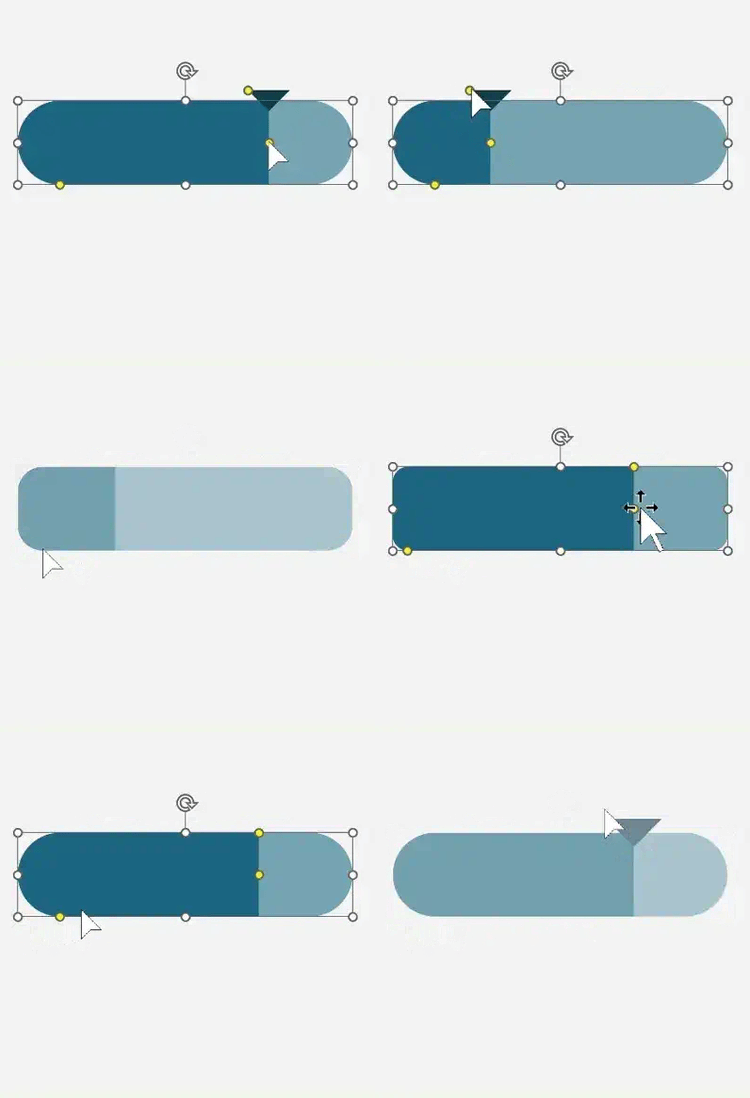
A sleek, adjustable bar with rounded corners and percentage tracking — ideal for goals, metrics, and status updates.
Harvey balls
Clear status indicators in outlined and two-tone styles — ideal for readiness, progress, and qualitative scoring.
Sliding windows
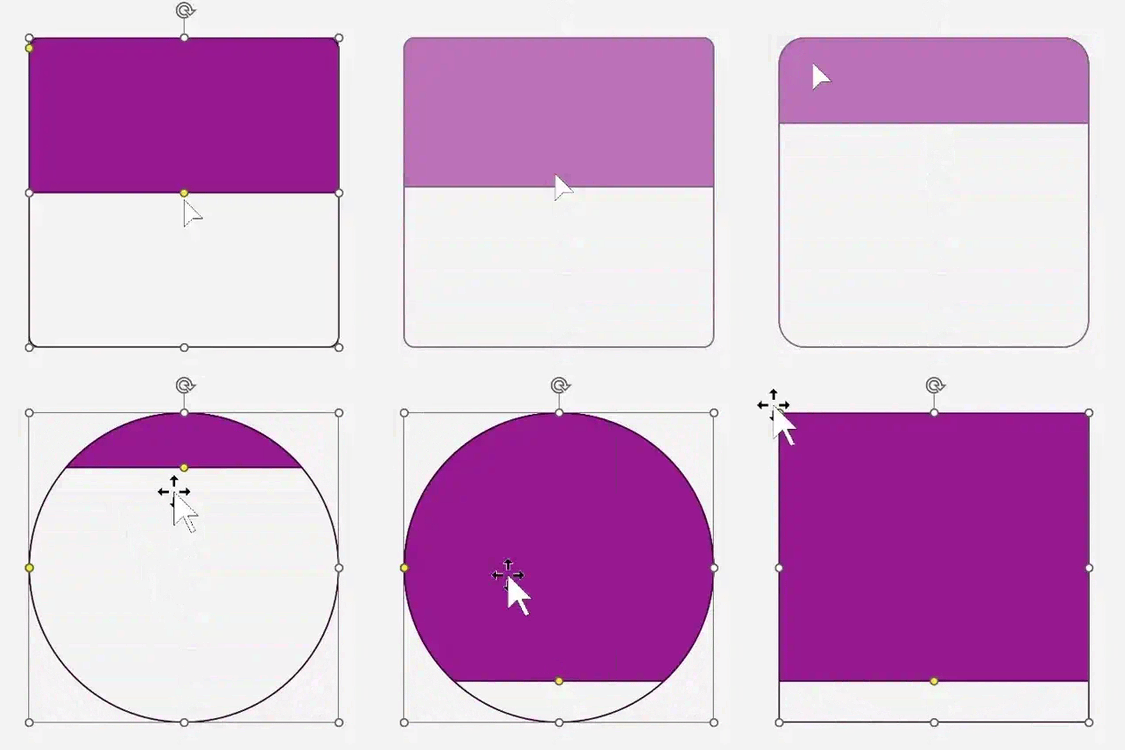
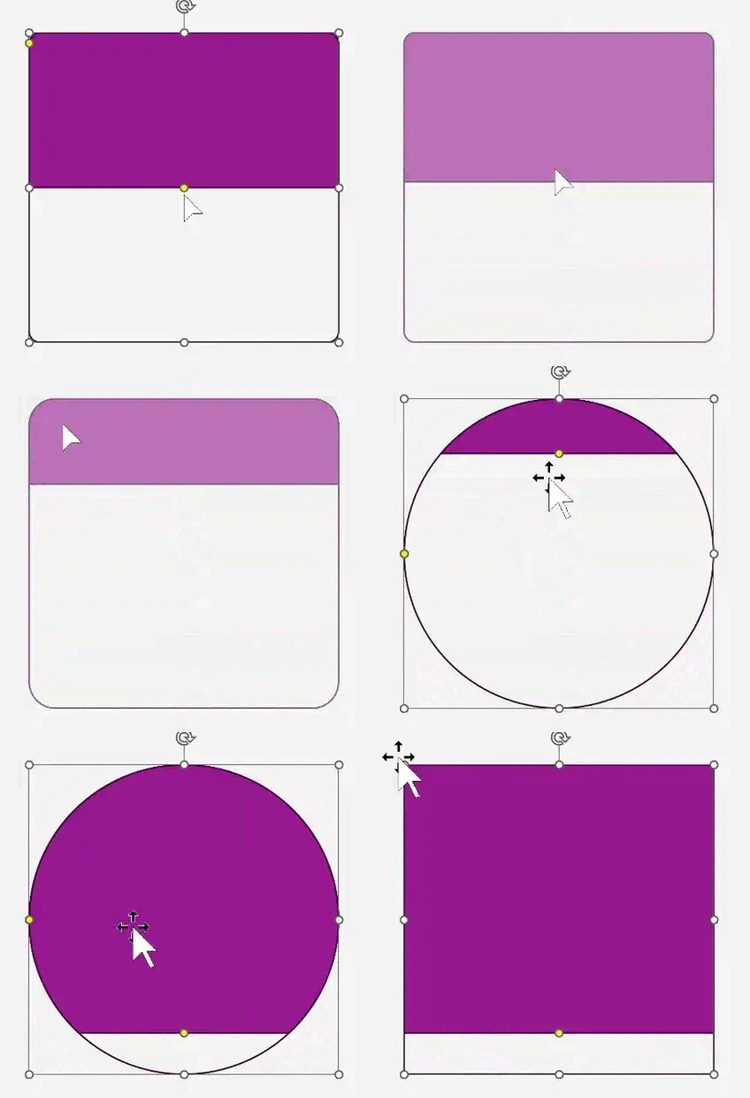
Horizontal and vertical “reveal” windows for before/after storytelling, transitions, and step highlights. Square to circle adjustments.
Instant download • Discount applied automatically at checkout.
WITHOUT SMARTICONS
Static shapes that never quite line up
Redrawing the same bar charts and gauges every reporting cycle.
Slides that look “fine” but don't feel modern or intentional.
Manual tweaks that make every small update a mini project.
WITH SMARTICONS
Reusable visuals that adapt to YOUR story
Drag a handle to update a chart instead of rebuilding it.
Keep a consistent, modern look across all reports and decks.
Spend your time refining the story, not fixing shapes..



Secure checkout • No installation needed

From Bullets Points to Beautiful Points
A Quick Demo
Consulting & Strategy
Storytelling visuals for pitch decks, QBRs, and MBRs.
Built for real-world decks and reports
Project & Operations
Perfect for statuses, KPIs, roadmaps, and dashboards
Leadership & HR
Clean visuals for presentations, training, and engagement
Fully editable in Office.
What professionals are saying about SmartIcons
These save me so much time. I used to rebuild the same charts over and over. Now I just tweak an icon and I’m done. Thanks for creating these!
- Operations Manager, Healthcare
I use these in almost every update now. They make my messages clearer without me needing a designer. So glad I found these.
- Internal Comms, Tech
These icons made my monthly dashboard updates way faster. I don’t have to spend the time looking for new icons. I just tweak an existing one. Done.
- Financial Analyst
No attribution required. Customize completely.
Our brand team is picky, but these fit perfectly. They look modern and it only takes seconds to update them. Love it.
- Marketing Lead, Fintech
I build and update training decks all the time. The smart icons helped me create visuals that don’t look outdated. I can just reuse ones I've already created and adjust them slightly. Super easy to work with.
- Instructional Designer
Quick questions about SmartIcons Super Pack 1
Does this work on Mac and Windows?
Yes. SmartIcons work in Microsoft Office 2007 and newer, including Microsoft 365, on both Windows and Mac desktop versions of Word, PowerPoint, and Excel.
How is the file delivered?
Right after checkout, you’ll receive a secure download link. Behind the scenes, your purchase creates a unique, stamped version of the Super Pack that’s generated specifically for you.
Do I need to install anything?
No installation needed. SmartIcons come in a single PowerPoint file. Copy any icon into your document and adjust it using the Office tools you already know.
Tell your business story in 2026 with better visuals.
SmartIcons Super Pack 1 helps you build better visuals in the tools you already use. Whether you're preparing executive updates, dashboards, or board packets, your charts can finally keep up with your story.
One-time purchase • No subscription
“I love it. It saves so much time, especially when you need to customize icons fast.” - Microsoft Director
Included in SmartIcons Super Pack 1
SmartIcons are a product of Tendoors LLC.
© 2024-2025. All rights reserved.
Microsoft, PowerPoint, Excel, Word, and Office are registered trademarks of Microsoft Corporation. SmartIcons and this website are not affiliated with, endorsed by, or sponsored by Microsoft Corporation.