MODERN VISUALS FOR MICROSOFT OFFICE
Try SmartIcons Before You Buy
Free SmartIcons: 9-pointed Superstar
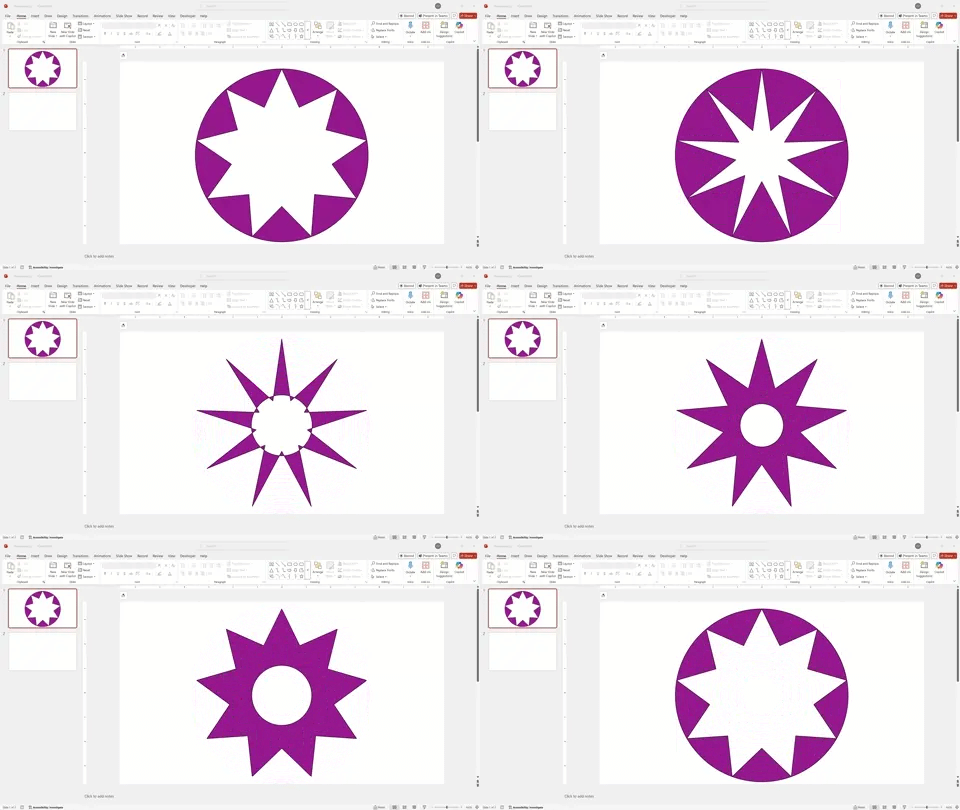
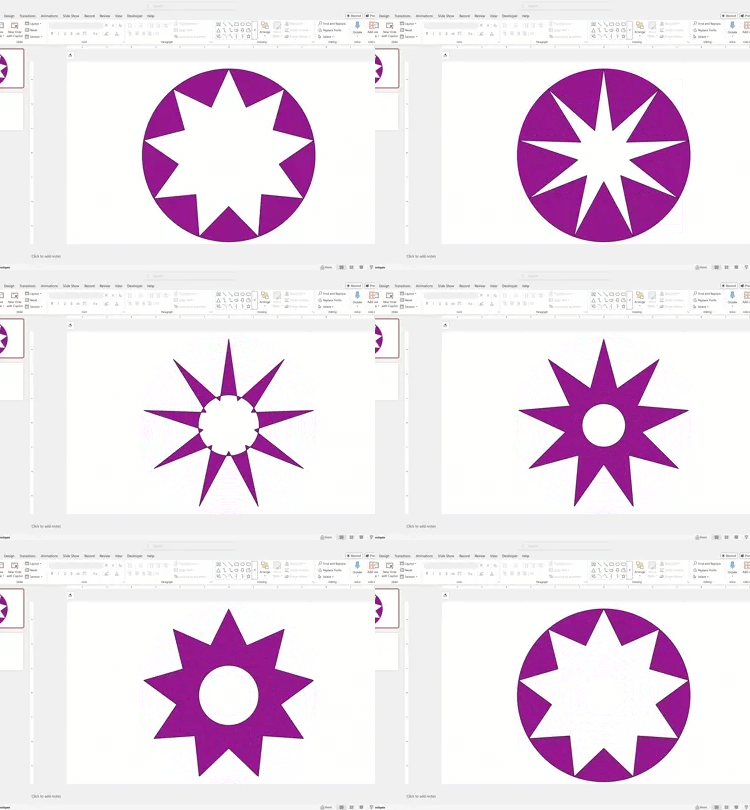
Open PowerPoint, create a blank slide
Press the button to copy the SmartIcon to the clipboard
Paste into a PowerPoint slide
Select the SmartIcon and adjust the yellow handles
Legal:
No attribution required.
No resale permitted.
Wow, have we got something cool for you! No email list sign-up, no cost. Just try out a SmartIcon right now!
This is now yours! FREE NOW. FREE FOREVER.
Click button to download to your computer
Double-click the SmartIcon .pptx file
Click yellow "Enable Editing" bar above the slide
Select the SmartIcon and adjust the yellow handles
There are two ways to get it. Choose from the buttons below.
1
2
or
No email required
Works on Windows or Mac
Needs PowerPoint desktop installed
The normal human way to get it
The geeky cool way to get it
Legal:
No attribution required.
No resale permitted.
Wow, have we got something cool for you! No email list sign-up, no cost. Just try out a SmartIcon right now!
This is now yours! FREE NOW. FREE FOREVER.
Click button to download to your computer
Double-click the SmartIcon .pptx file
Click yellow "Enable Editing" bar above the slide
Select the SmartIcon and adjust the yellow handles
No email required
Works on Windows or Mac
Needs PowerPoint desktop installed
Like this?
Get all 57 SmartIcons for $149 → Buy Now.
SmartIcons Super Pack 1 helps you build better visuals in the tools you already use. Whether you're preparing executive updates, dashboards, or board packets, your charts can finally keep up with your story. 57 SmartIcons included.
One-time purchase • No subscription
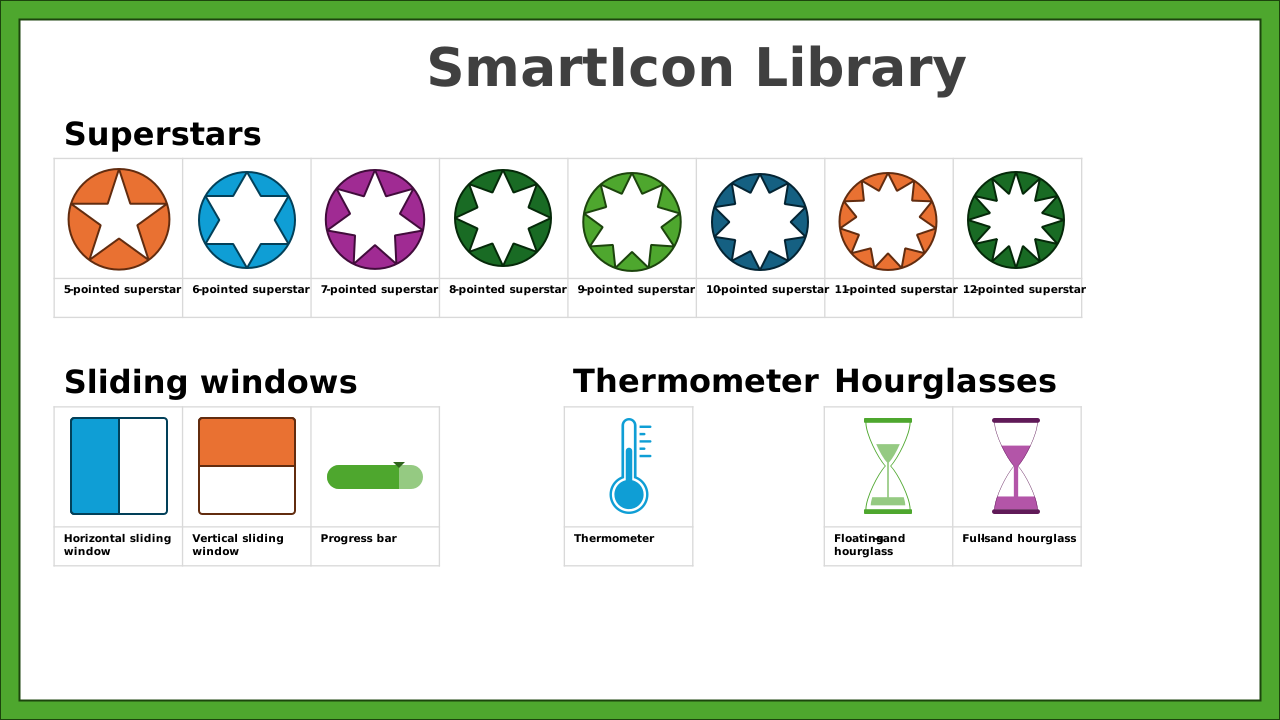
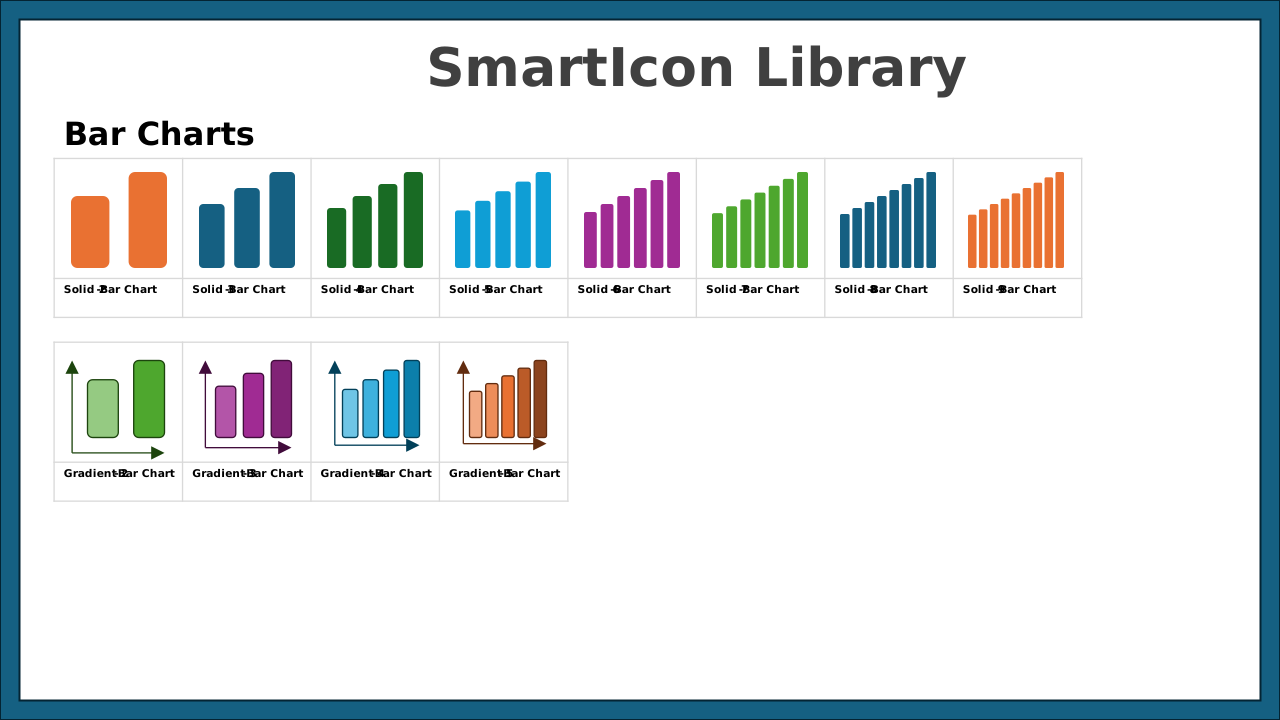
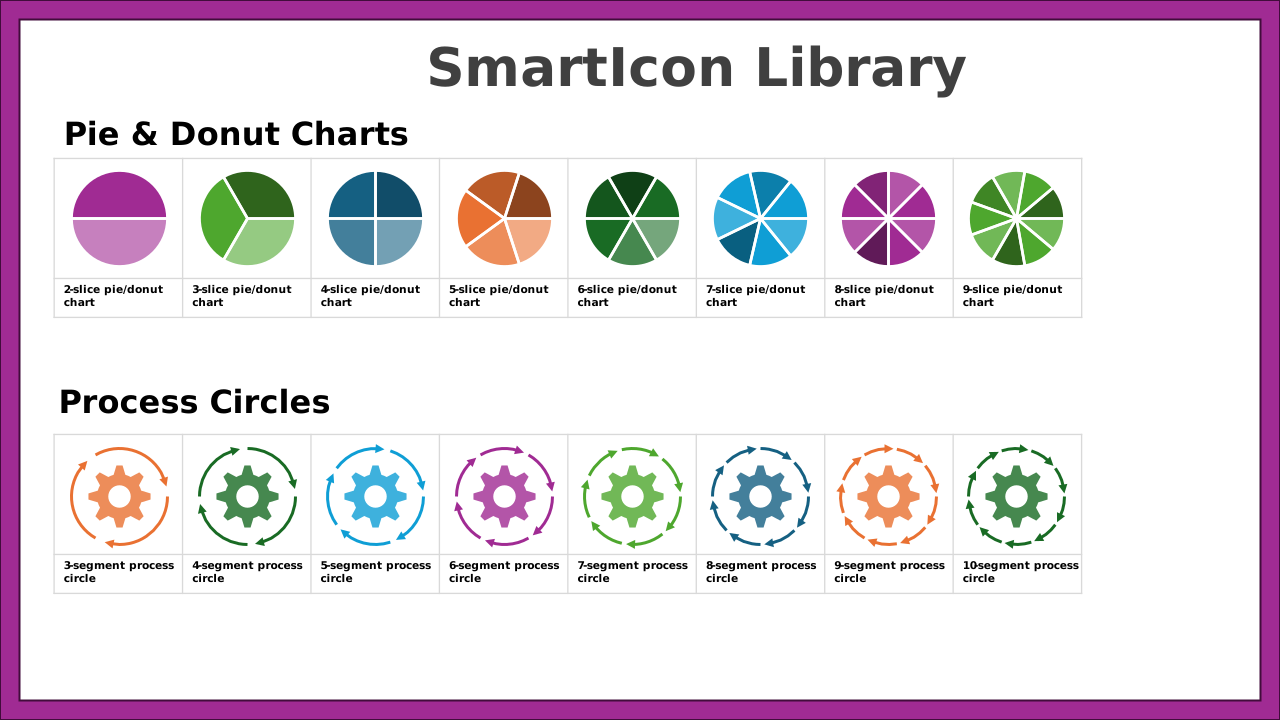
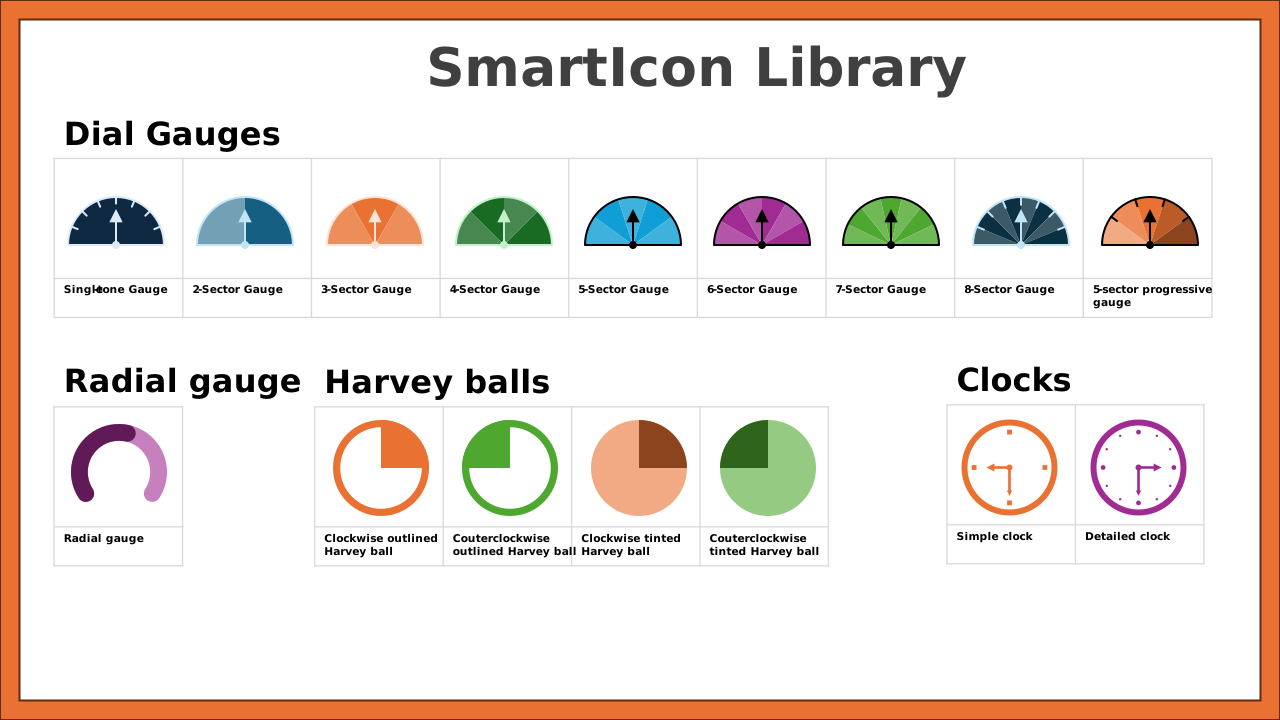
Included in SmartIcons Super Pack 1
“I love it. It saves so much time, especially when you need to customize icons fast.” - Microsoft Director
SmartIcons are a product of Tendoors LLC.
© 2024-2025. All rights reserved.
Microsoft, PowerPoint, Excel, Word, and Office are registered trademarks of Microsoft Corporation. SmartIcons and this website are not affiliated with, endorsed by, or sponsored by Microsoft Corporation.